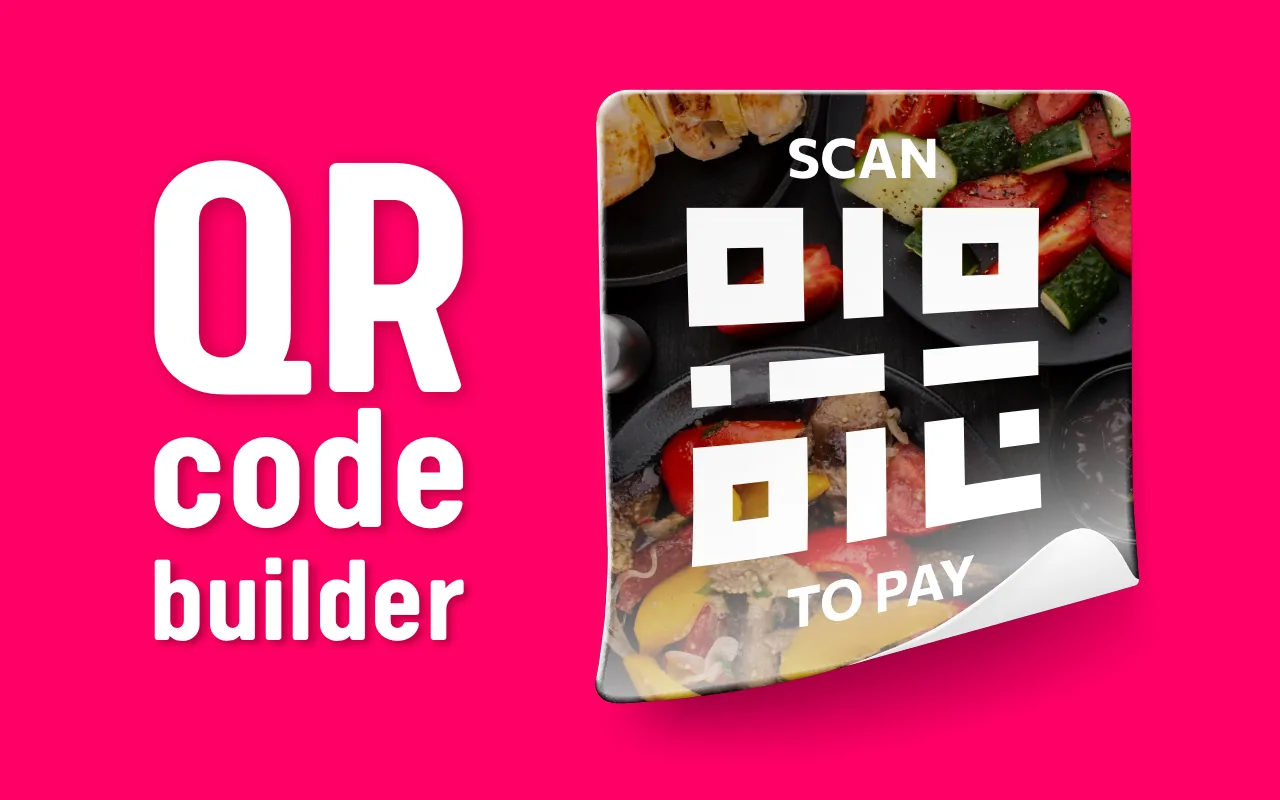
QR Code Builder

Print-ready QR code stickers for menus, payments and promos

QR Code Builder is a free Chrome extension that turns a plain QR code into a branded sticker. Paste a link or text, add your logo, a background colour or picture and a line such as "Scan to pay" or "View our menu", then save it as PNG or PDF or copy it to the clipboard. Everything is drawn in your browser, with no account and no expiring links.

Add to Chrome

Free 52 languages

QR Code Builder — Print-ready QR code stickers for menus, payments and promos

What can I make with it?

  • Restaurant and café menus — a table sticker with "View our menu".
  • Payments — "Scan to pay" stickers for the counter.
  • Promotions — a link to a discount, a review page or your Instagram.
  • Packaging, posters and business cards — your brand colours and logo around the code.
  1. Paste the link or text.
  2. Choose square mode for a quick sticker or advanced mode for a background picture, opacity and extra text.
  3. Add your logo and a call to action, pick fonts and colours.
  4. Save as PNG or PDF or copy the image.

Always scan the result with a phone before printing: low contrast or a large logo can make a code hard to read.

QR Code Builder vs online QR generators

Many online generatorsQR Code Builder
AccountOften requiredNo
Codes that expire"Dynamic" codes stop when the plan endsStatic codes, never expire
WatermarkSometimesNo
Sticker with text and backgroundPaidFree
Your link uploadedYesNo, generated in the browser

Product facts

DeveloperHotPanCake (PayForSay s. r. o., Slovakia)
Version2.0, updated 2025-04-21
FormatsPNG, PDF, clipboard
Languages52
PriceFree

Privacy · All HotPanCake extensions

Frequently asked questions

Will my QR code stop working?

No. The QR code contains your link or text directly; there is no redirect service in between, so nothing can expire.

Can I put my logo in the middle of the QR code?

Yes. Add your logo and place it on the sticker. Keep it small enough that the code still scans, and test with a phone before printing.

Can I make a QR code menu for a restaurant?

Yes. Paste the link to your online menu, add your logo and the text View our menu, and print the PDF for the tables.

Which formats can I save?

PNG for screens and social media, PDF for printing, or copy the image to the clipboard.

Is QR Code Builder free?

Yes, free and without an account or watermark.

Are my links uploaded anywhere?

No. The QR code and the sticker are generated in your browser.

Updated:

QR Code Builder

Print-ready QR code stickers for menus, payments and promos