
How do I see today's rate for my currencies?
Most people check a rate the same way every time: open a new tab, search "usd to krw", read the number, close the tab. If you follow the same three or four currencies — because you are paid in one, spend in another and save in a third — that ritual repeats every day.
Exchange Rate keeps those currencies open instead. Click its icon and Chrome's side panel shows your board: one row per currency, each with the current rate against your first currency and the time of the last update. The panel stays open while you browse, so today's exchange rate is one glance away rather than one search away.
- Your home currency is placed on the board at the first start, from your browser language and country.
- Add currencies by code, name, country or sign:
KRW,won,Koreaor₩all find the Korean won. - Drag rows to put the currency you compare against at the top.
Get an alert when the rate hits your number
Waiting for a better rate is the most common reason to watch one. Maybe you are about to pay a supplier in dollars, send money home or book a holiday, and a few percent matters.
Click the 🔔 next to a currency and type the rate you are waiting for. The extension compares it with today's rate and works out whether you want a rise or a fall — you do not choose. Every hour, when new rates arrive, it checks your target. When the rate gets there, Chrome shows a notification.
Alerts are one-time: once an alert fires it switches off, so a rate that wobbles around your number does not ring all day. Chrome asks for permission to show notifications only when you set the first alert. Step-by-step: how to set an exchange rate alert.
Exchange rate table and calculator in one
The board is also a small exchange rate calculator. Type an amount in any row — not only the first — and every other row is recalculated as you type. With five or six currencies on it, it reads like a currency exchange rates table at a bank branch, except the rows are yours.
Decimal places follow each currency's usual format, or a fixed number you choose in the settings.
Hover a price to see it in your currency
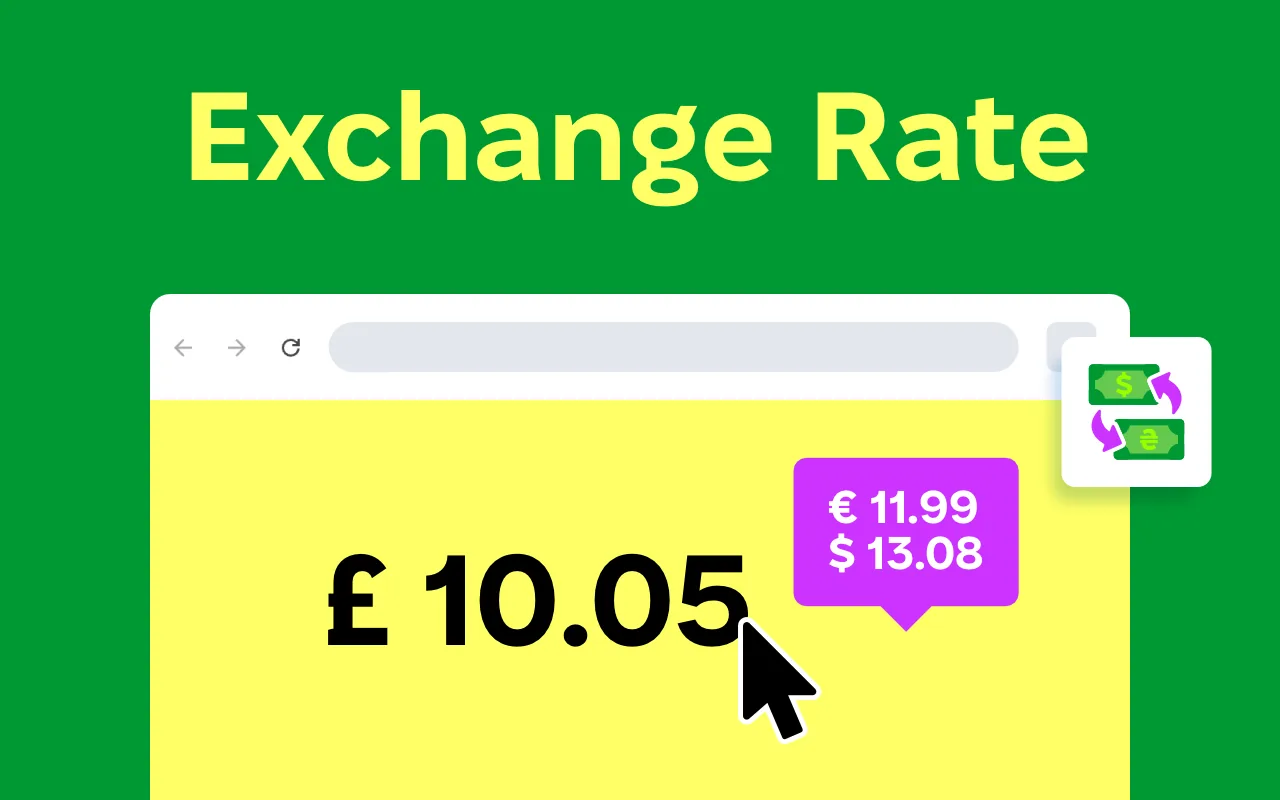
While you read a foreign shop, a hotel site or an invoice in the browser, point at a price. A small card shows it in your board's currencies, and the amount lands on the board so you can adjust it. Selecting a price works too, and so does Convert in the right-click menu.
The extension reads prices the way each country writes them — 1.234,56 €, R$ 89,90, ₩45,000,
1万2000円, ₹1,20,000 — and decides which $, ¥ or kr a site means from its domain and
language. It does not rewrite the page; the card disappears when you move on.
Popular pairs: USD to KRW, BRL to USD, SEK to USD
Any two of the 170+ currencies make a pair. A few that people watch most:
| Pair | Who watches it |
|---|---|
| USD to KRW exchange rate | Korean buyers of US goods, students and travellers to and from Korea |
| BRL to USD exchange rate | Brazilians shopping or freelancing in dollars |
| SEK to USD exchange rate | Swedes paying for US software, travel and imports |
| EUR to USD | Anyone paid or spending on both sides of the Atlantic |
| USD to JPY | Shoppers on Japanese marketplaces and travellers to Japan |
This page shows no live numbers on purpose: they would be out of date by the time you read them. Add the pair to your board to see today's rate.
Where do the rates come from, and how often do they update?
Exchange Rate uses reference rates from Open Exchange Rates, delivered through a rate server that PayForSay s. r. o. operates. The extension's background worker downloads them once an hour; the pages you visit never contact any server. If a download fails, the board keeps the last rates and shows when they arrived.
Reference rates are what you compare against, not what a bank will pay you. Card issuers and transfer services add a margin, so the final amount usually differs by a little. Why your bank's rate is different.
Exchange Rate vs Google, Xe and Wise
| Google search | Xe / Wise apps | Exchange Rate | |
|---|---|---|---|
| Where | A search tab | Phone app or website | Side panel next to the page |
| Pairs at once | 1 | Several | Up to 10 |
| Rate alerts | No | Yes (Wise needs an account) | Yes, one-time, no account |
| History charts | Yes | Yes | No |
| Sending money | No | Yes | No |
| Converts prices on pages | No | No | Yes, on hover |
Details: Exchange Rate vs Google and rate alerts in Xe, Wise and Exchange Rate.
Is it safe?
Prices are found inside your browser; the addresses and content of the pages you visit are not sent to us. Settings and alerts are stored by Chrome. The only network requests are the hourly rate download and one country lookup at install. Permissions are explained on Is Exchange Rate safe? and in the privacy policy.
Guides
- How to get an alert when an exchange rate hits your target
- Why your bank's exchange rate differs from today's rate
- Ways to track exchange rates in Chrome
Compare
Product facts
| Developer | HotPanCake (PayForSay s. r. o., Slovakia) |
| Version | 3, updated 2026-11-11 |
| Currencies | 170+ |
| Rates | Open Exchange Rates, updated every hour |
| Board | Up to 10 currencies, side panel (popup in Opera) |
| Alerts | One-time, per currency, Chrome notifications |
| Browsers | Chrome 116+, Edge, Brave and other Chromium browsers |
| Languages | 52 |
| Price | Free, no account |
Ideas or problems? Send feedback or request a feature. More small tools: NotePADD, QR Code Builder, all HotPanCake extensions.