
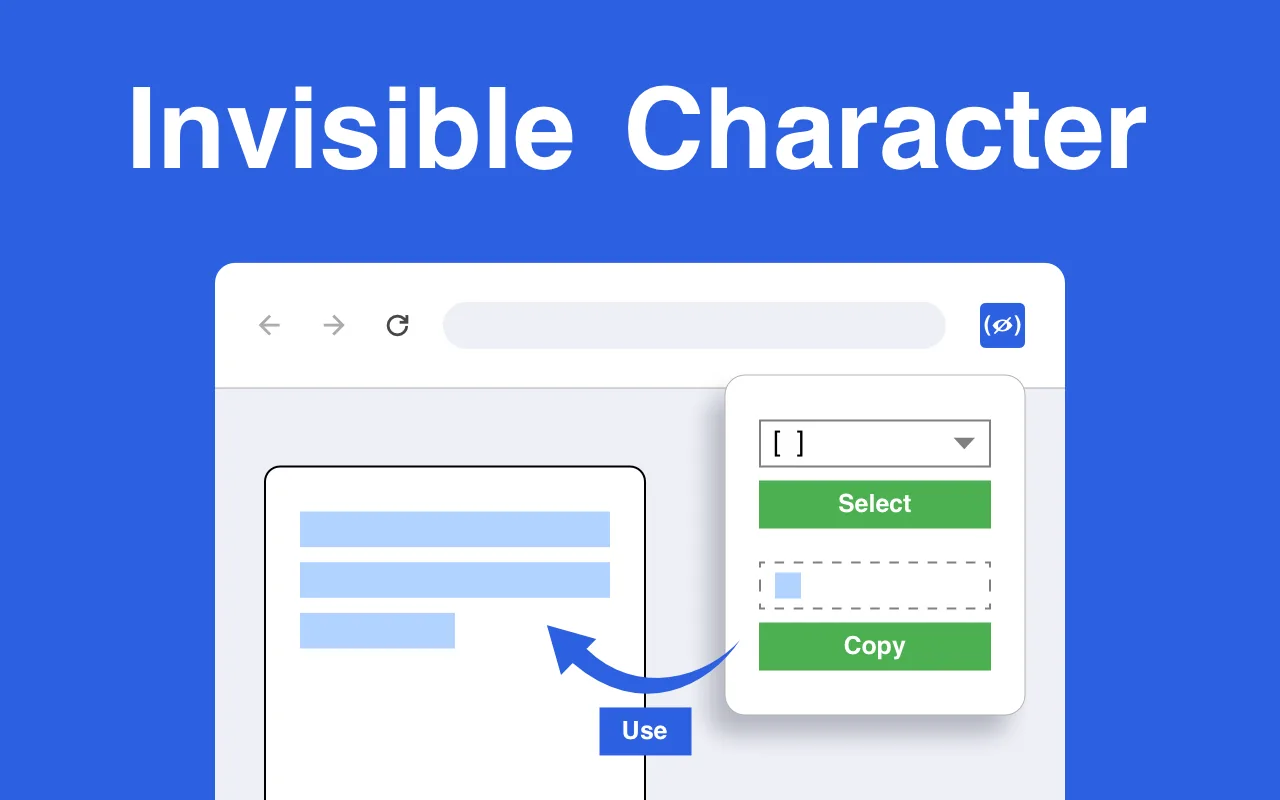
What can I do with an invisible character?
- Blank or "empty" names in games and on social networks that do not allow an empty field.
- Spacing in bios and posts where the app collapses ordinary spaces.
- An empty-looking message in chat apps that refuse to send nothing.
- Formatting tricks: keep two words together, add space at the start of a line, align text.
Apps change their rules, so a character that works today in one game may be filtered tomorrow — the extension keeps several kinds at hand so you can try another.
Which characters are included?
| Character | Code | Good for |
|---|---|---|
| No-Break Space | U+00A0 | Keeping two words together; blank fields that trim U+0020 |
| Ideographic Space | U+3000 | A wide blank, often kept in names and messages |
| En Quad, Em Quad, En Space, Em Space | U+2000–U+2003 | Wide gaps where spaces are collapsed |
| Three-, Four- and Six-Per-Em Space | U+2004–U+2006 | Medium spacing |
| Figure Space, Punctuation Space | U+2007, U+2008 | Aligning numbers and punctuation |
| Thin Space, Hair Space | U+2009, U+200A | Fine spacing in text |
| Medium Mathematical Space | U+205F | Spacing in formulas |
| Line Separator | U+2028 | A line break where Enter is not allowed |
| Space | U+0020 | The ordinary space, for comparison |
How do I use it?
- Open it. Click the icon; the extension opens in the side panel.
- Choose a character from the list and see it in the preview window.
- Copy and paste it with Ctrl+V (Cmd+V on a Mac).
Invisible Character vs copy-paste websites
Websites with a "copy blank space" button work too, but you have to find and open them each time, and many are full of ads. The extension sits in the side panel, works offline and lets you choose the exact Unicode character instead of the one a website picked for you.
Product facts
| Developer | HotPanCake (PayForSay s. r. o., Slovakia) |
| Version | 1.0, updated 2024-11-17 |
| Languages | 52 |
| Price | Free |