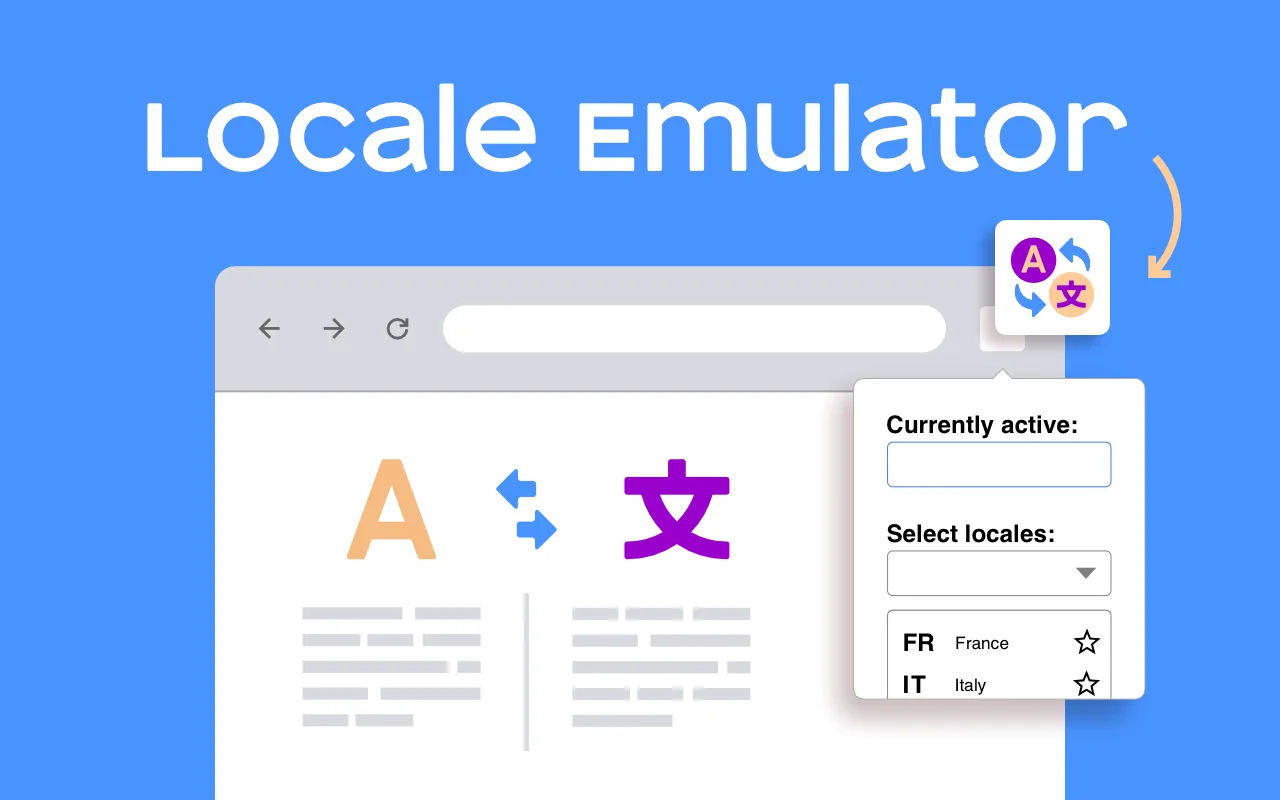
See a website the way visitors from another country see it
Locale Emulator is a free Chrome extension for developers, testers and marketers. Choose a language and Chrome reports it to websites — in the Accept-Language header and in navigator.language — then reloads the page, so you see the localized version without changing your system or Chrome settings. Switch back in one click.
Many sites decide which language and which content to show from what the browser says it prefers.
To check a German or Japanese version you would normally change Chrome's language list, restart
and change it back. Locale Emulator does it in one click, so you can compare versions quickly and
catch untranslated strings, wrong date and number formats, broken redirects and language switchers.
What exactly does it change?
Changed by Locale Emulator
Not changed
Accept-Language request header
Yes
navigator.language, navigator.languages
Yes
?lang= style URL parameters on the page
Added when the site uses them
Chrome's interface language
No
IP address, country, time zone
No
If a site chooses the language from your IP address or your account settings, emulating the
browser language is not enough: use a VPN, Chrome DevTools → Sensors, or the site's own setting.
How do I use it?
Open the page you want to test.
Click the Locale Emulator icon and choose a language and region.
The page reloads in that language. Check texts, formats and redirects.
Turn the emulation off to return to your normal language.
Locale Emulator vs Chrome DevTools
DevTools can override location and time zone (Sensors) but has no simple switch for the
Accept-Language header and the page's navigator.language at once. Use DevTools for location
and time zone, and Locale Emulator for language — together they cover most localization tests.
The language Chrome tells websites you prefer: the Accept-Language request header and the navigator.language and navigator.languages values that page scripts read. Sites that pick the language from these show their localized version.
Does it change my Chrome or Windows language?
No. Chrome's own menus and your operating system stay as they are; only what websites receive changes.
Does it change my location or IP address?
No. Sites that choose the country from your IP address still see your real location. For that you need a VPN or the location override in Chrome DevTools (Sensors).
How is it different from Chrome's language settings?
Chrome's settings change the language for every site and require reordering your preferred languages. The extension switches in one click and back again, which is what you want while testing.
Who is it for?
Web developers and QA engineers testing localization, translators checking their work in context, SEO specialists checking hreflang and language redirects, and anyone who wants to see a site in another language.
We use analytics cookies and the Meta (Facebook) Pixel only with your consent: to see which pages help and to measure our ads. The language cookie is always on. Cookie policy